
Description
Supercharge Toolset Maps with professional OpenStreetMap features that go beyond the basic core implementation.
While Toolset Maps provides a foundation for OSM, this plugin enhances the experience with advanced visualization and data tools, now fully integrated with the WordPress Block Editor.
🧱 Gutenberg Blocks
Forget about complex shortcodes. Version 4.0 provides a modern, visual workflow:
* Advanced OSM Map Block: Configure satellite/topo views, clustering, and tracks visually in the sidebar.
* Dynamic Track Loader Block: Easily link Toolset File Fields (KML/GPX) to your maps within Query Loops or Content Templates.
🛰️ Satellite & Topography Views
- Satellite: High-resolution Esri satellite imagery.
- Topography: OpenTopoMap integration for outdoor and adventure maps.
- Smart Toggles: Interactive front-end buttons to switch between layers.
🔵 Pro Clustering
Customize the cluster color to match your brand and set precise zoom thresholds for declustering.
📍 KML & GPX Support
Visualize tracks, routes, or shapes. Load files in three ways:
1. Media Library: Select multiple files directly from your WordPress media.
2. Direct URLs: Paste manual KML/GPX links.
3. Dynamic Fields: Use a Toolset File Field slug to pull tracks from your custom posts.
🎨 Custom Styling & Layers
- Grayscale Mode: Apply “silver” or “muted” styles to standard maps.
- Layer Management: Toggle roads and labels independently on satellite views.
- Subfolder Compatible: Optimized for WordPress installations in subdirectories.
Check DEMOS
Check author page wp-customtypes.com
Shortcode Examples
Basic Map with Topo Button
[aotm-advanced-osm-map map-id=”map-1″ topo-button=”on”]
Satellite View with Roads
[aotm-advanced-osm-map map-id=”map-2″ satellite=”on” roads=”on”]
Dynamic Tracks via Custom Field
[aotm-advanced-osm-marker map-id=”map-4″ track-field=”my-gpx-field-slug”]
Full Shortcode Reference
[aotm-advanced-osm-map]
- map-id: (Required) Must match your Toolset map ID.
- satellite: “on” – Satellite as default layer.
- topo: “on” – Topography as default layer.
- satellite-button / topo-button: “on/off” – Toggle UI buttons.
- cluster: “on” – Enable custom clustering.
- cluster-color: Hex color (e.g., #f05a28).
- zoom-cluster: Level where clustering turns off (default 12).
- grayscale: 0.1-1 – Grayscale intensity.
- labels/roads: “on” – Show overlays on satellite.
Screenshots
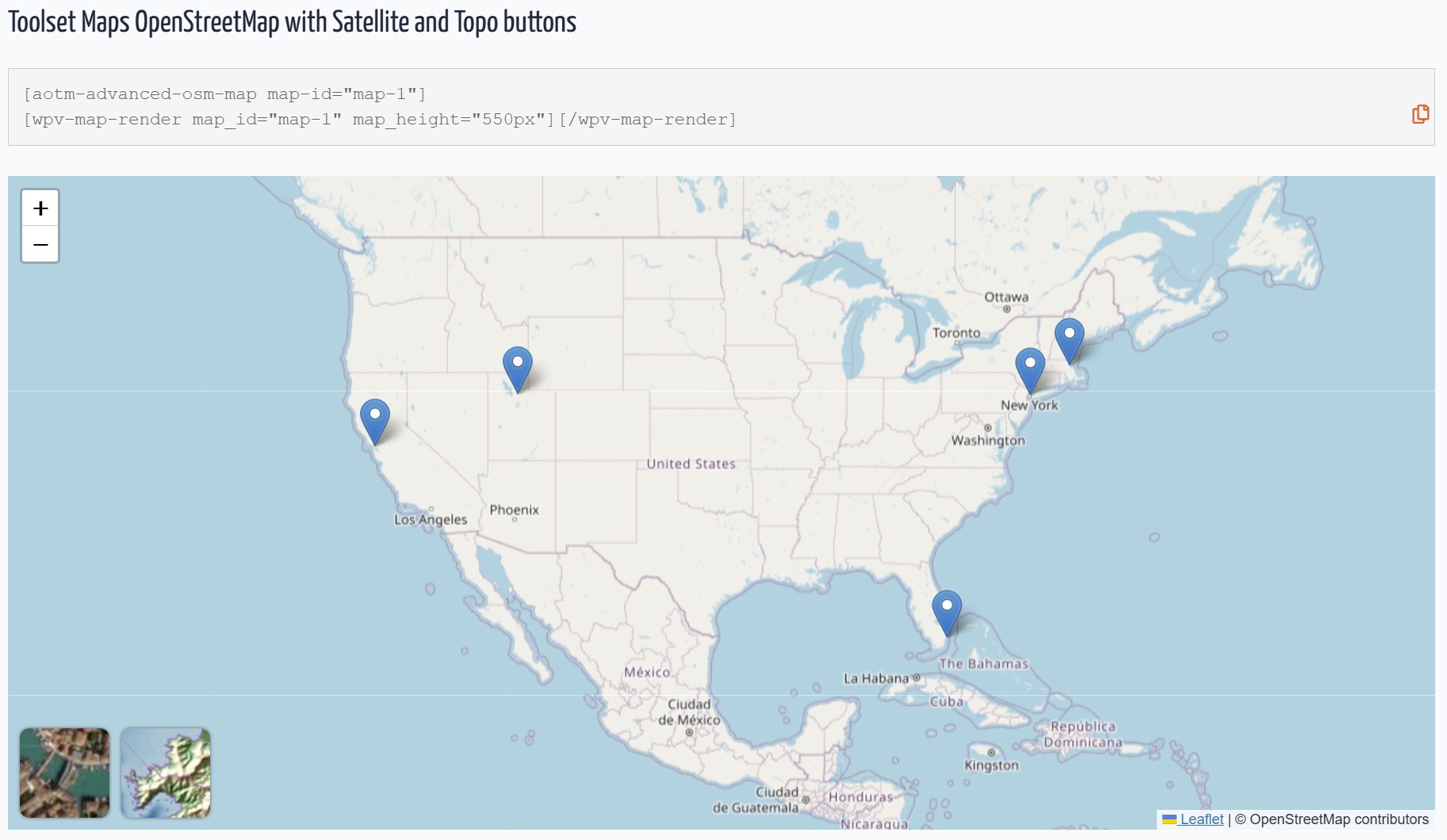
Default OpenStreetMap view with Satellite and Topo buttons. 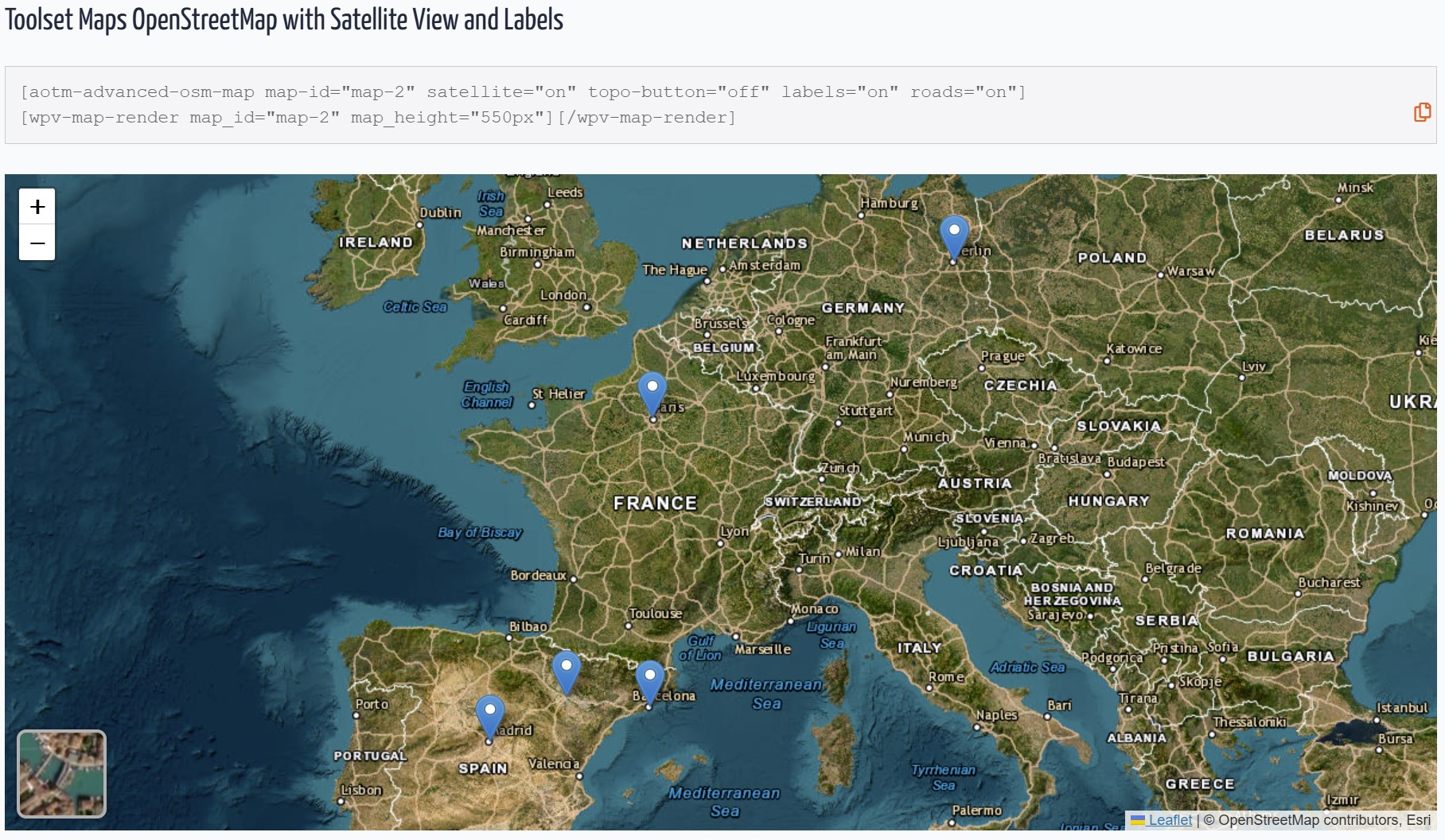
Satellite + Roads + Labels overlay. 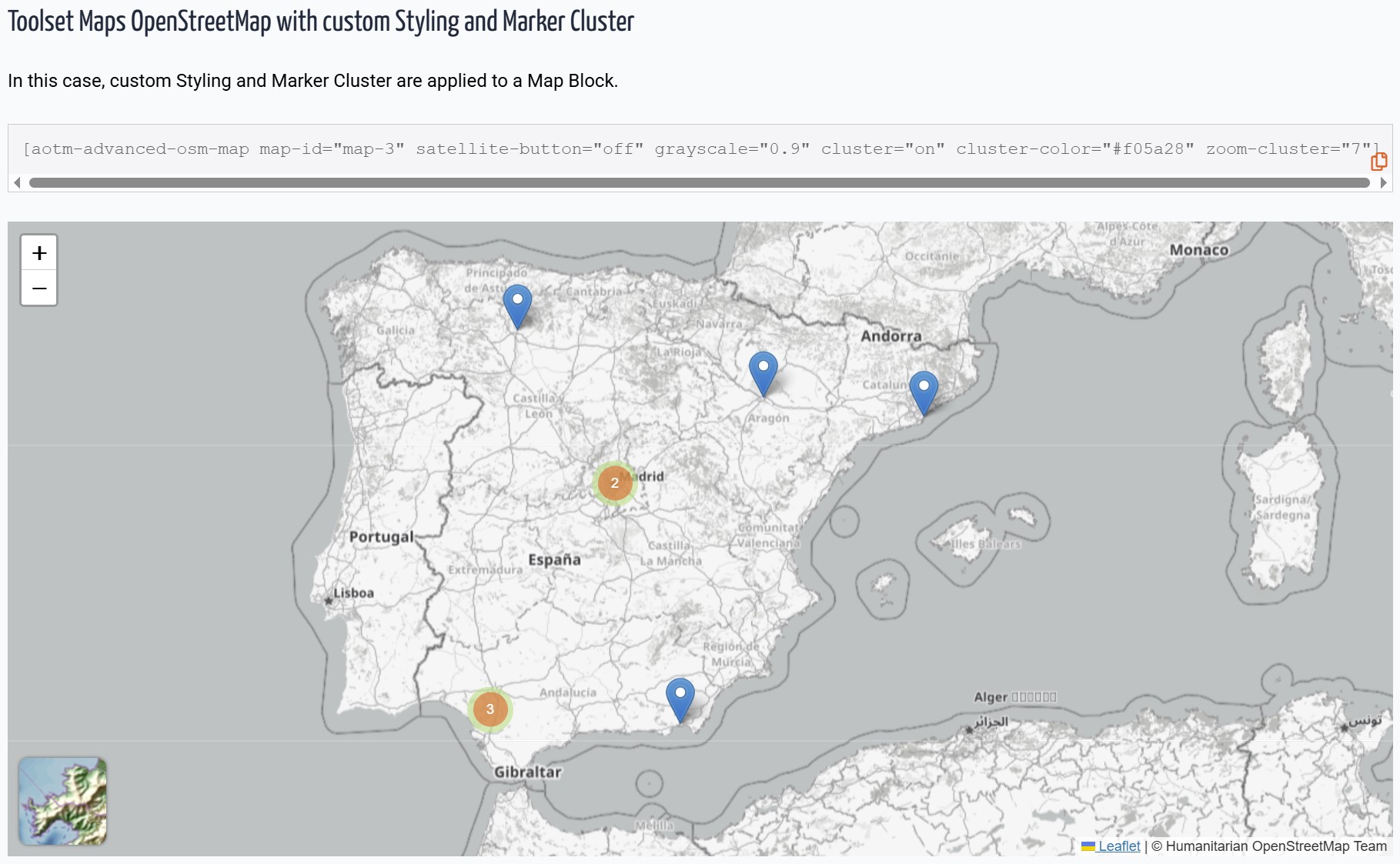
Topography layer for outdoor routes. 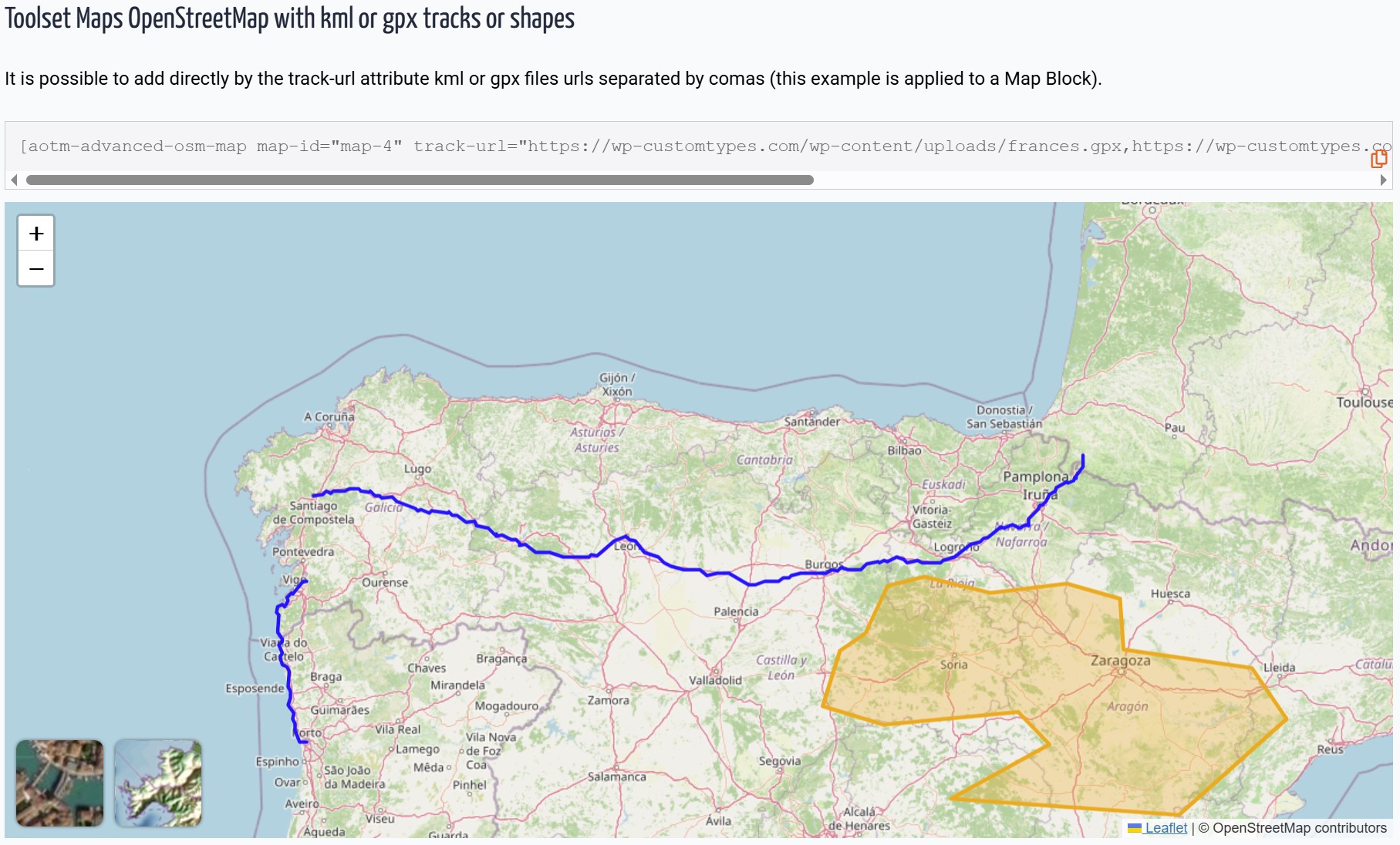
Grayscale effect with colored clustered markers. 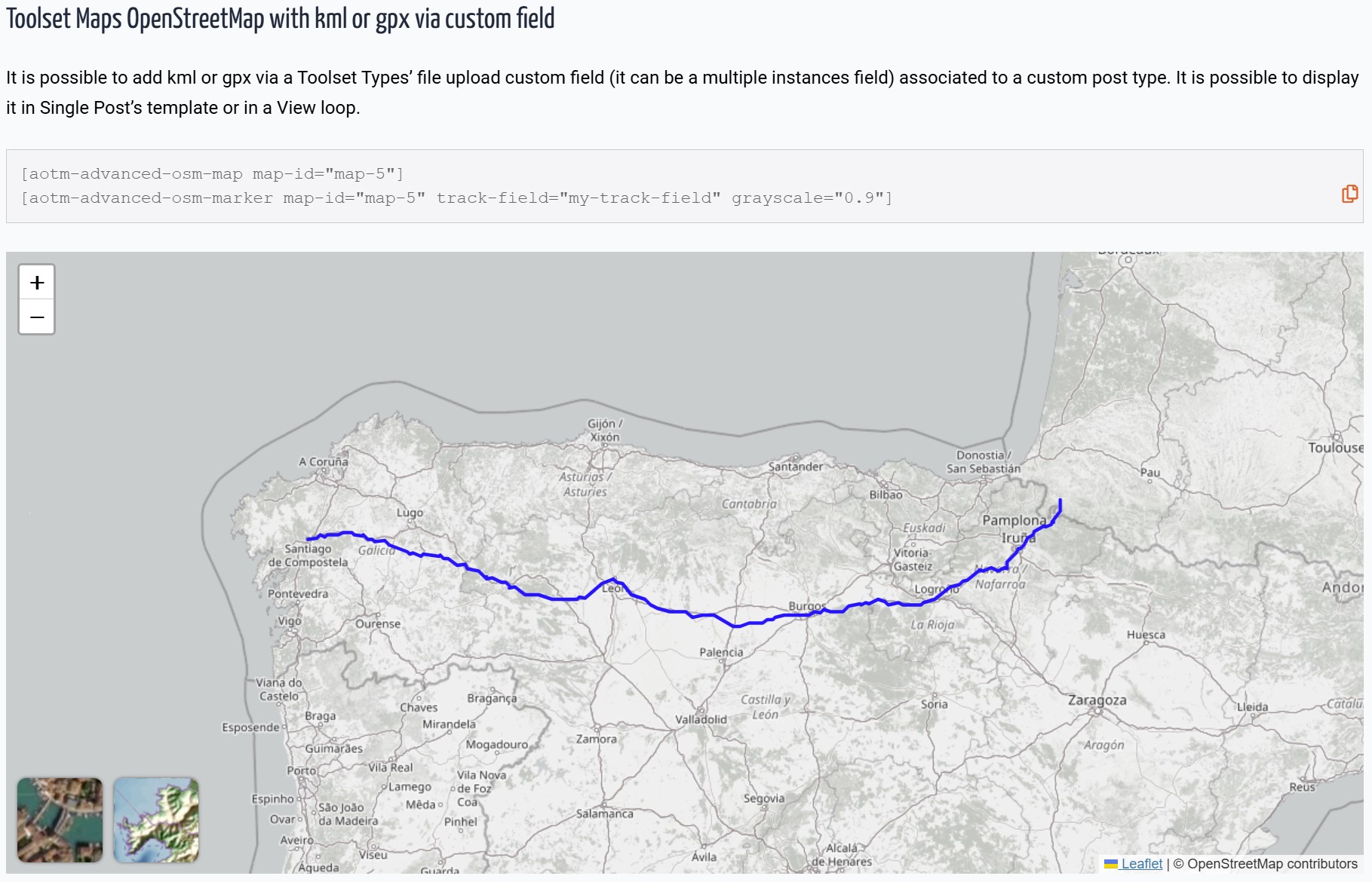
GPX track displayed on a Toolset Map. 
New Gutenberg Block with sidebar configuration.
Blocks
This plugin provides 2 blocks.
- Advanced OSM Map
- Advanced OSM Map Track
Installation
- Upload the plugin files to
/wp-content/plugins/advanced-osm-for-toolset-maps/ - Activate the plugin through WordPress admin.
- Using Blocks: Search for “Advanced OSM” in the Gutenberg editor.
- Using Shortcodes: Use
[aotm-advanced-osm-map]to configure the map settings.
FAQ
-
Does this work with the Toolset Map block?
-
Yes! This plugin extends any map rendered by Toolset, whether via Blocks or the classic View integration.
-
How is this different from native Toolset Maps?
-
Toolset provides basic OSM functionality. AOTM adds:
– Satellite and Topography imagery with interactive buttons.
– Customizable clusters (colors and behavior).
– KML/GPX support for tracks and shapes.
– Precise grayscale styling and independent layer controls. -
Does this replace Toolset Maps?
-
No, it enhances it. You still need Toolset Maps installed and active.
Reviews


Contributors & Developers
“Advanced OSM for Toolset Maps” is open source software. The following people have contributed to this plugin.
Contributors
Translate “Advanced OSM for Toolset Maps” into your language.
Interested in development?
Browse the code, check out the SVN repository, or subscribe to the development log by RSS.
Changelog
4.0.0
- NEW: Topography layer (OpenTopoMap) with dedicated toggle button.
- NEW: Decoupled Leaflet loading logic to prevent “L is not defined” errors in non-map pages.
- IMPROVED: Automatic path detection for WordPress installed in subfolders.
- IMPROVED: Refined block UI with better labels (“Show Roads”, “Show Labels”).
- FIXED: Major dependency conflict with Toolset’s internal Leaflet registration.
3.1.0
- Fixed: Admin rating notice dismissal logic.
- Improved: Internal admin hooks performance.
3.0.0
- NEW: Native Gutenberg Blocks support.
- NEW: Multiple file selection for KML/GPX from Media Library.
- NEW: Visual list management for tracks in the editor.
2.1.0
- Added support for KML and GPX tracks via Toolset File Fields.
- New shortcode [aotm-advanced-osm-marker] for dynamic track loading.
1.2
- Initial release.