
Description
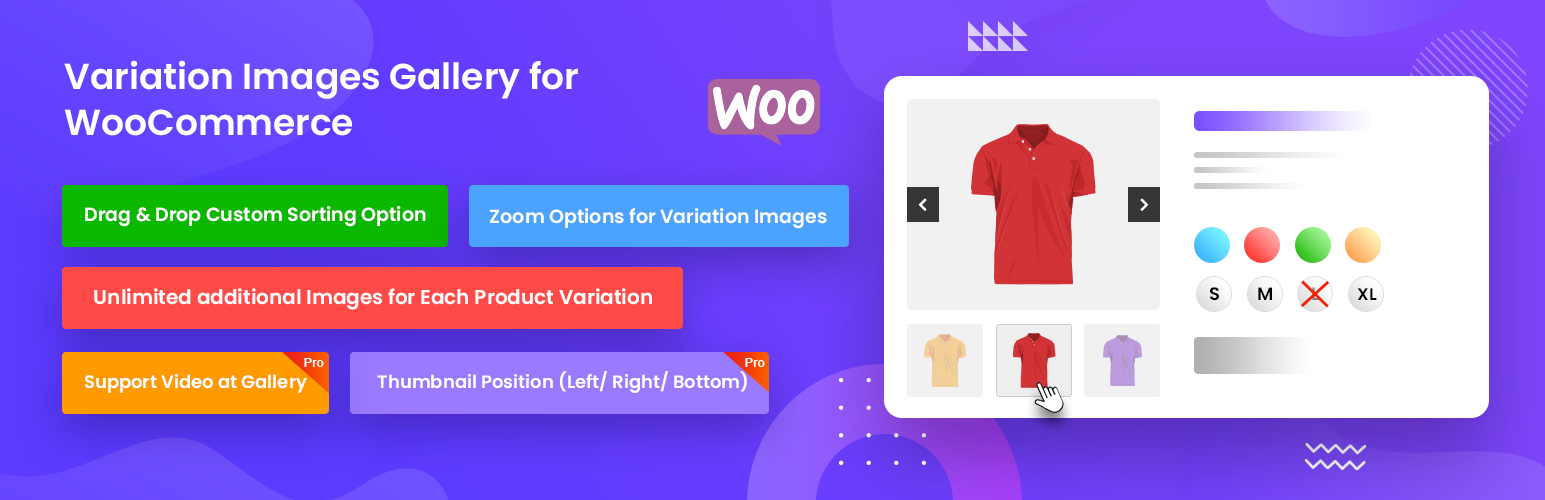
Variation Images Gallery for WooCommerce plugin allows to add UNLIMITED additional images for each variation of product.
This additional variation images gallery plugin gives your customers an extra feature to showcase your products that gives visitors to multiple view of your products. This will help to increase your sales.
👉 Plugin Demo | Documentation | Get Pro 👈
By default, WooCommerce has only single image to insert as variation there is not gallery or multiple image add option.
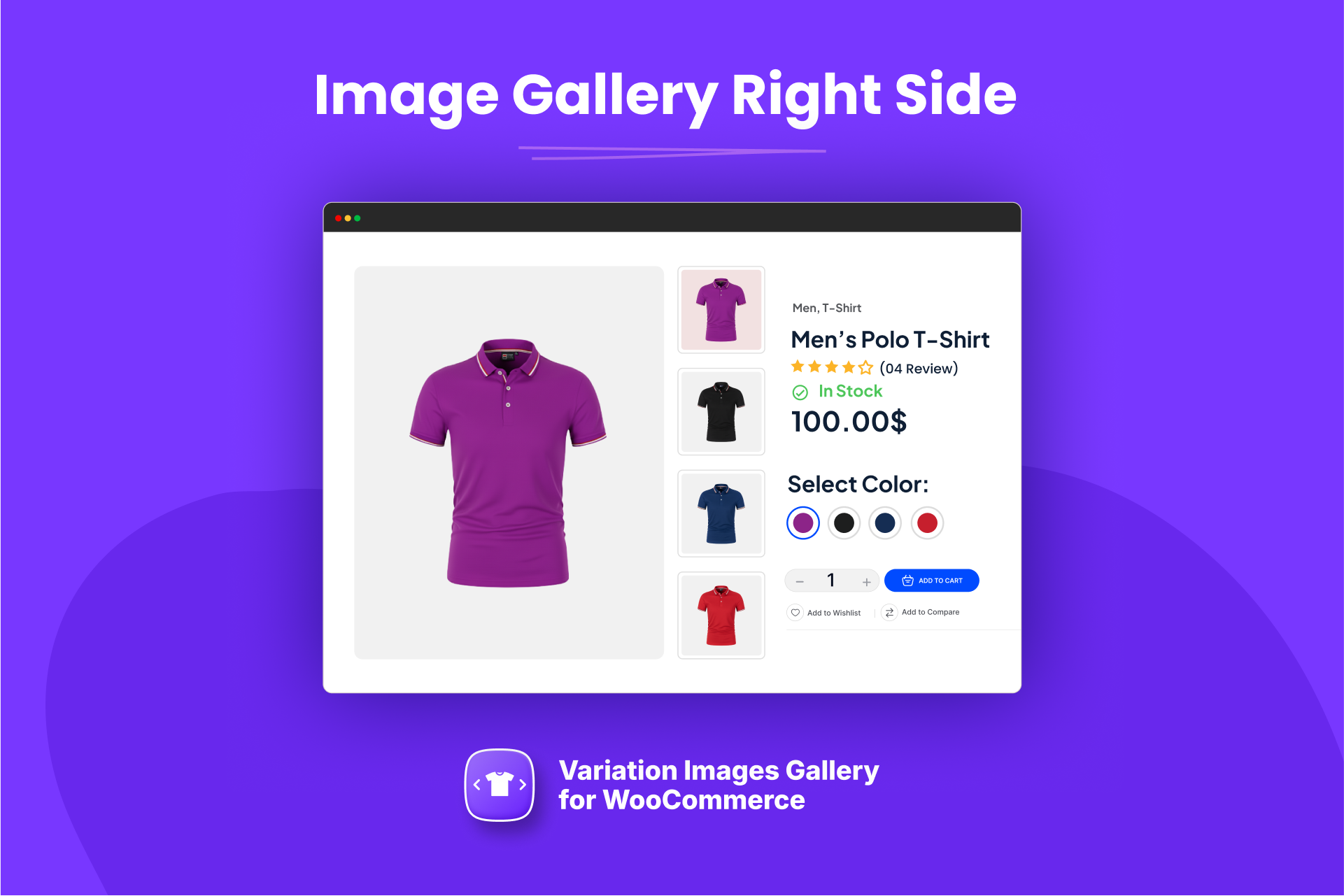
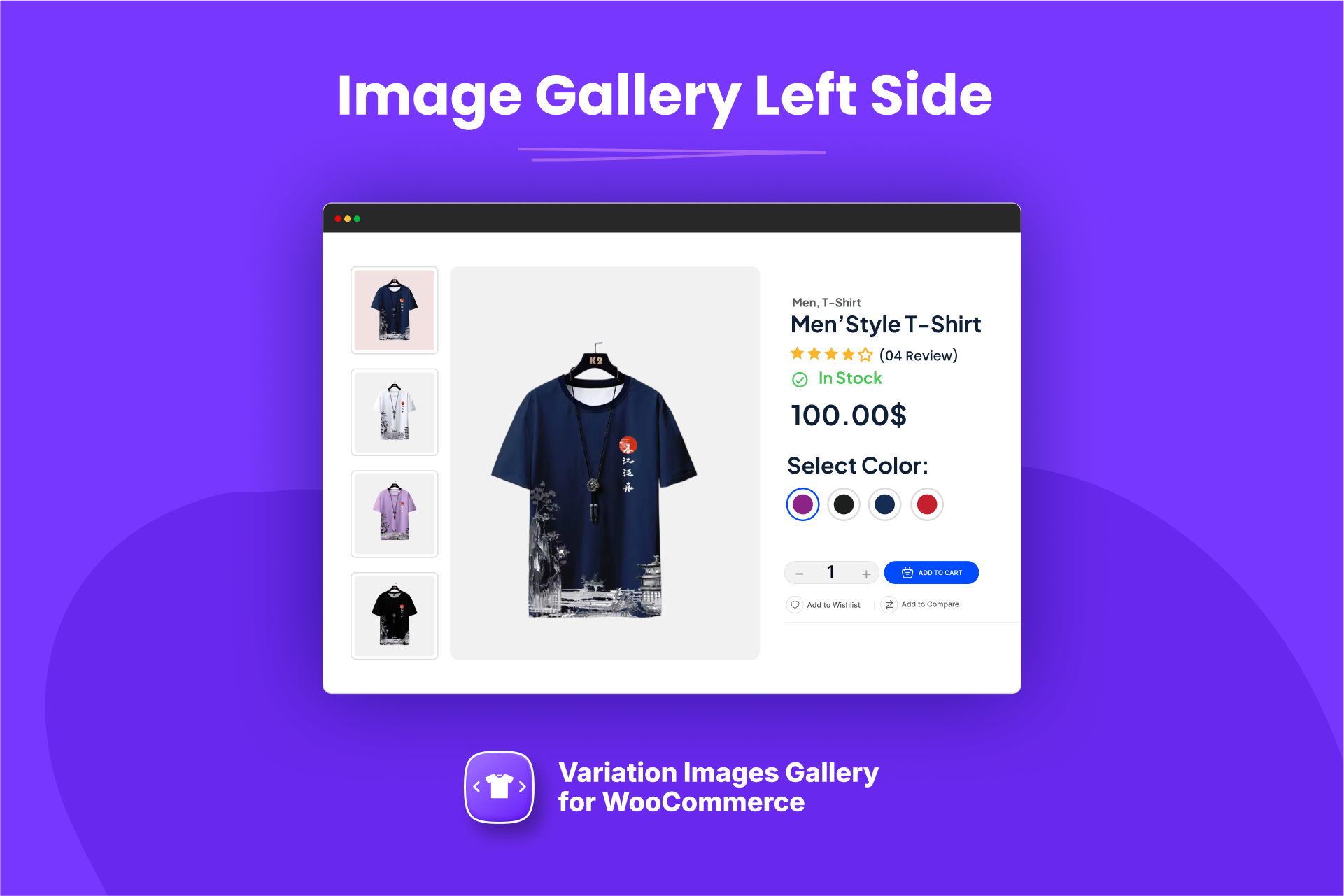
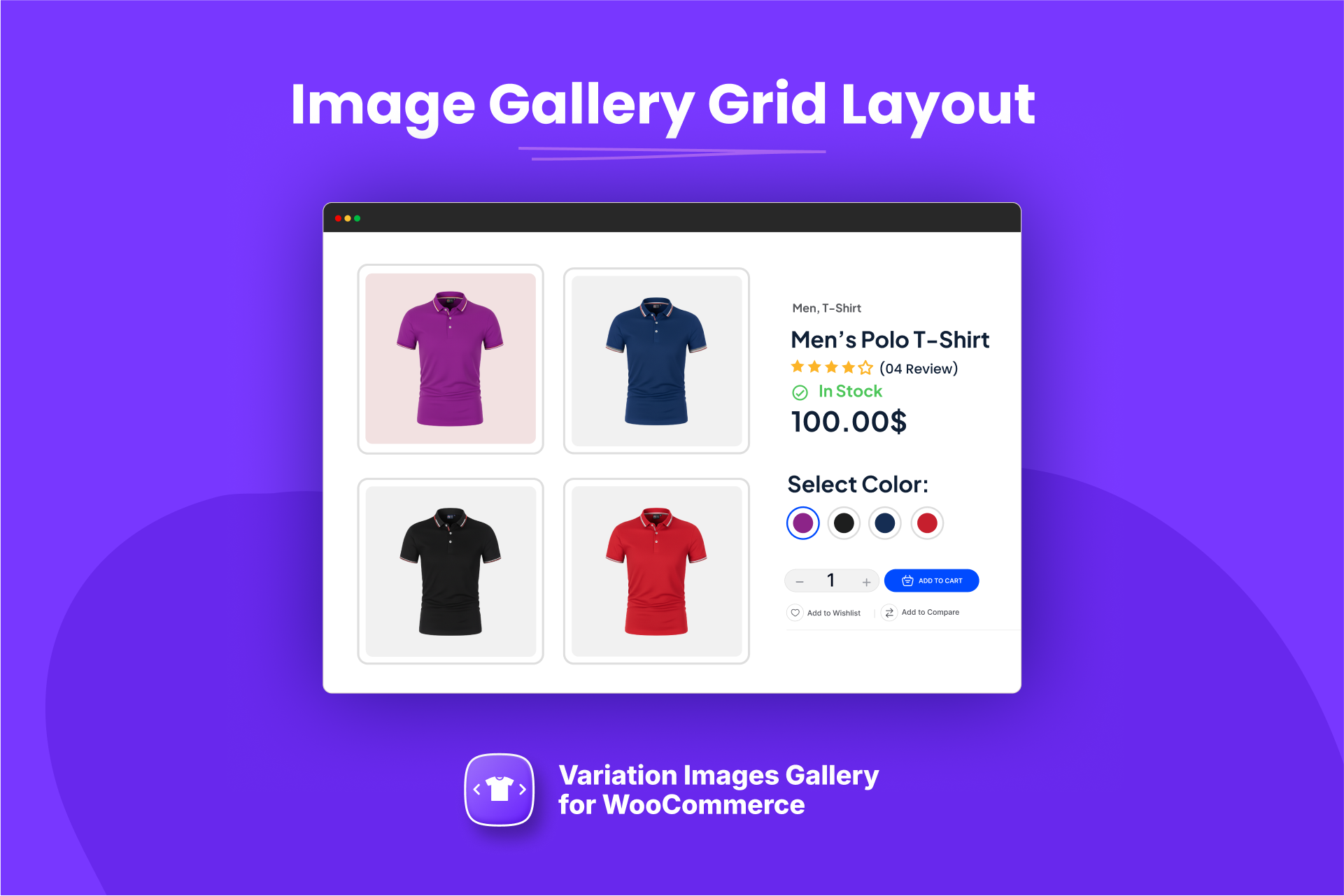
This additional variation image gallery for WooCommerce plugin give you the opportunity to showcase additional images as gallery for each product variation. This plugin allows you to upload unlimited additional images for each variation. By using this plugin, you can showcase different set of images when your visitors switch product variation like color, image, style at the same time.
This plugin is easy to use and included detail settings there is no limit to use this free version. This plugin will give your WooCoomerce store a new look to your visitors to showcase your variation images.
🚀 Features
- UNLIMITED additional images for each product variation
- Drag & Drop custom sorting option.
- Delete option for Variation images.
- Zoom option for variation images.
- Zoom button position control option.
- Light box for variation images.
- Compatible with Flatsome Theme Builder Product Gallery Element.
- Compatible with Elementor Page Builder Product Gallery Addon.
- Compatible with Variation Swatches for WooCommerce plugin.
Pro Features
- Thumbnail Slider.
- Thumbnail position (Left/ Right/ Bottom)
- Support Video at gallery
Need Any Help?
- For any bug, support or suggestion please submit your ticket here.
Liked RadiusTheme
- Join our Facebook Group.
- Learn from our tutorials on YouTube Channel.
🔥 WHAT’S NEXT
If you like The Post Grid Plugin, then consider checking out our other WordPress Plugins:
-
ShopBuilder – Elementor WooCommerce Builder Addons with 84+ widgets and 10+ modules.
-
Variation Swatches – Woocommerce Variation Swatches plugin converts the product variation select fields into radio, images, colors, and labels.
-
The Post Grid – Shortcode, Gutenberg Blocks and Elementor Addon for Post Grid.
-
Classified Lisitng – Best Classified ads and Directory WordPress Plugin.
-
Food Menu – Restaurant Menu & Online Ordering using WooCommerce.
Screenshots


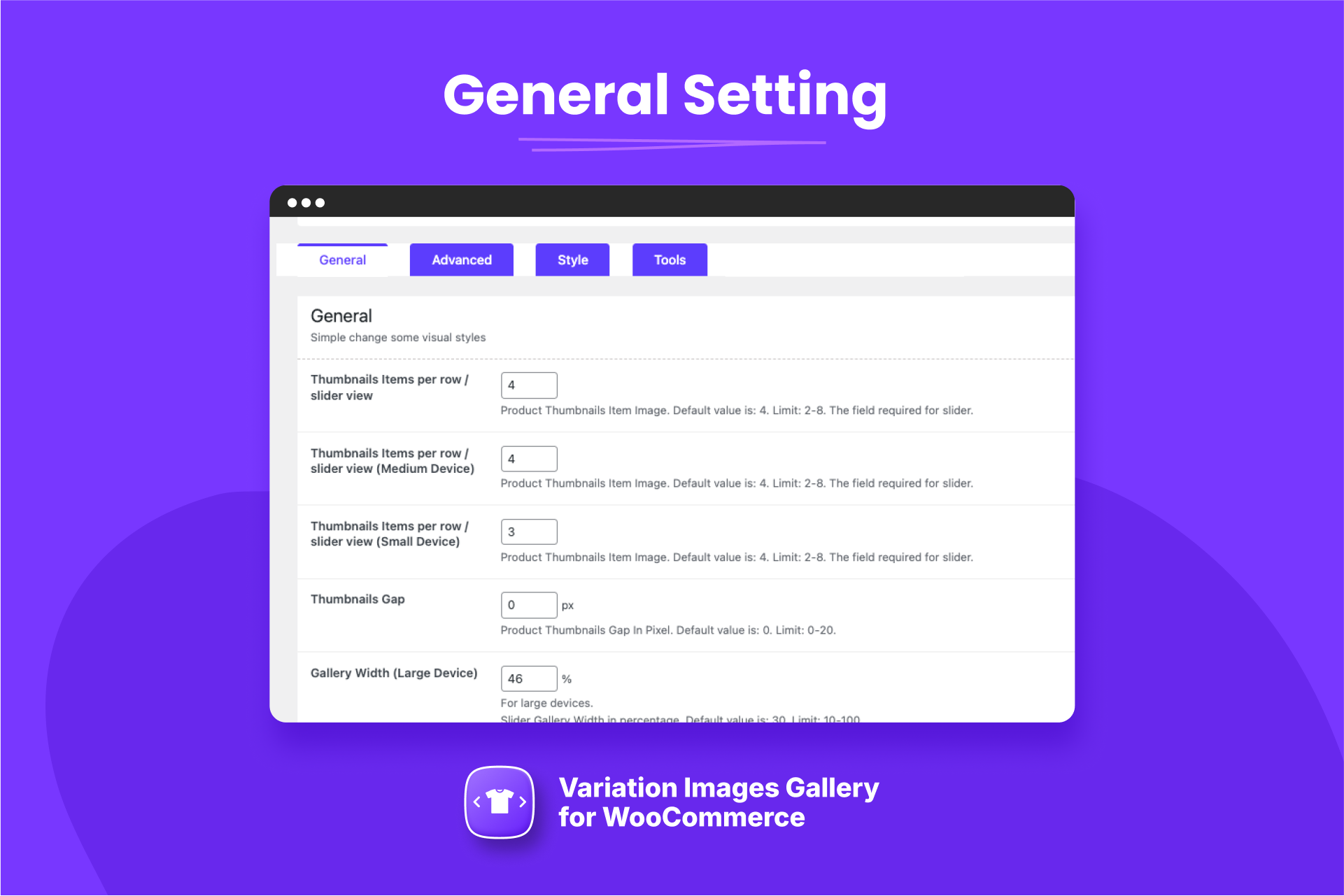
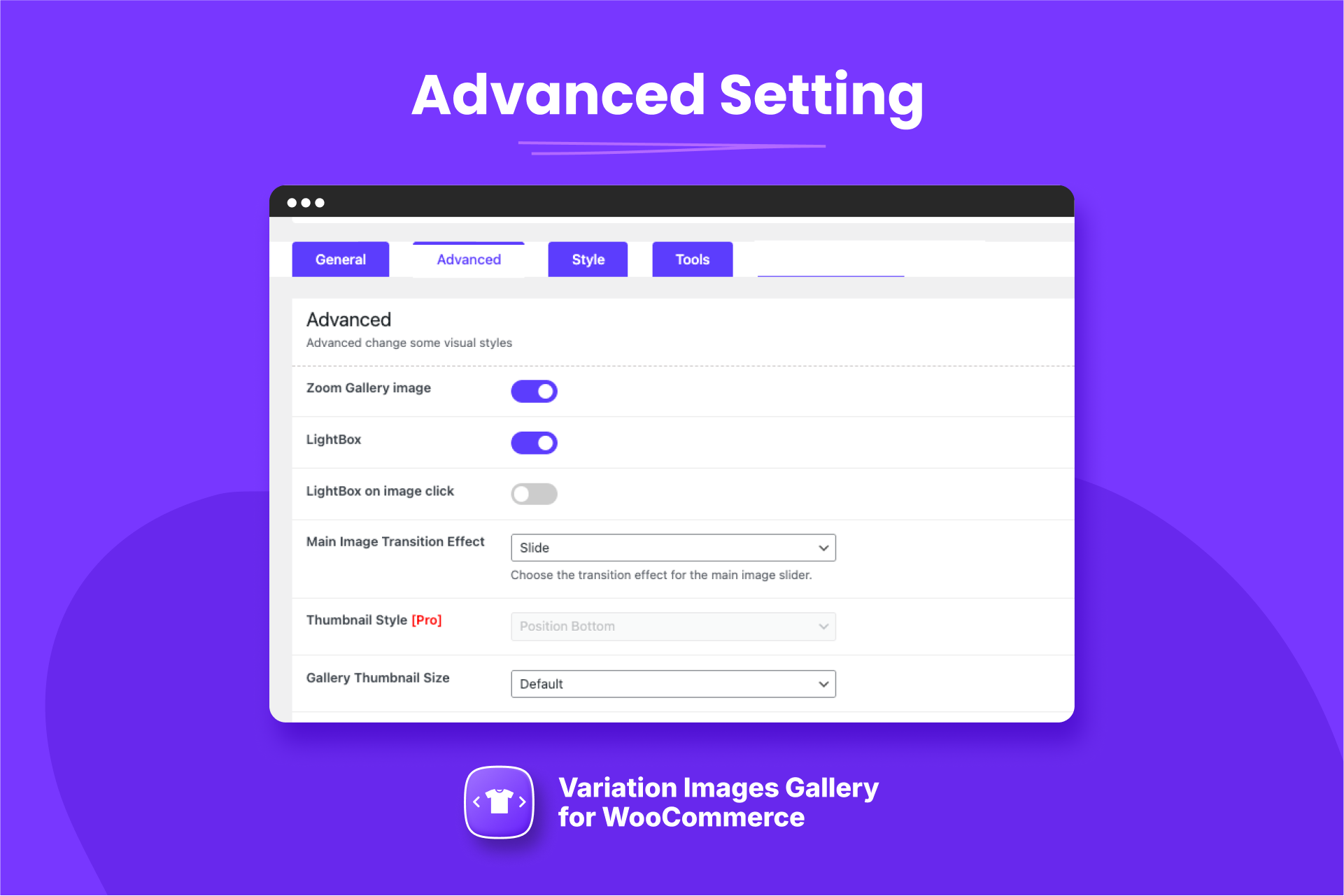
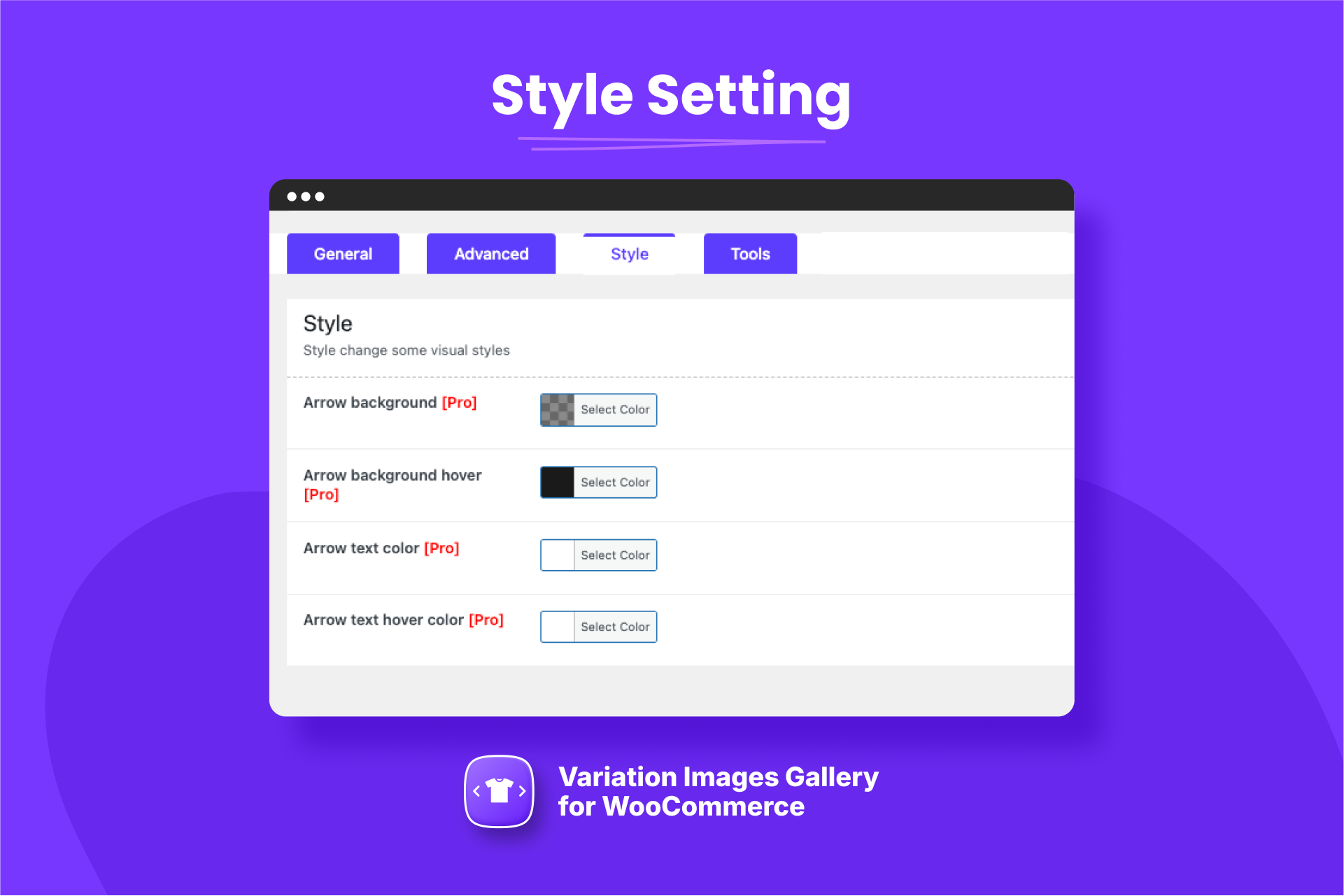
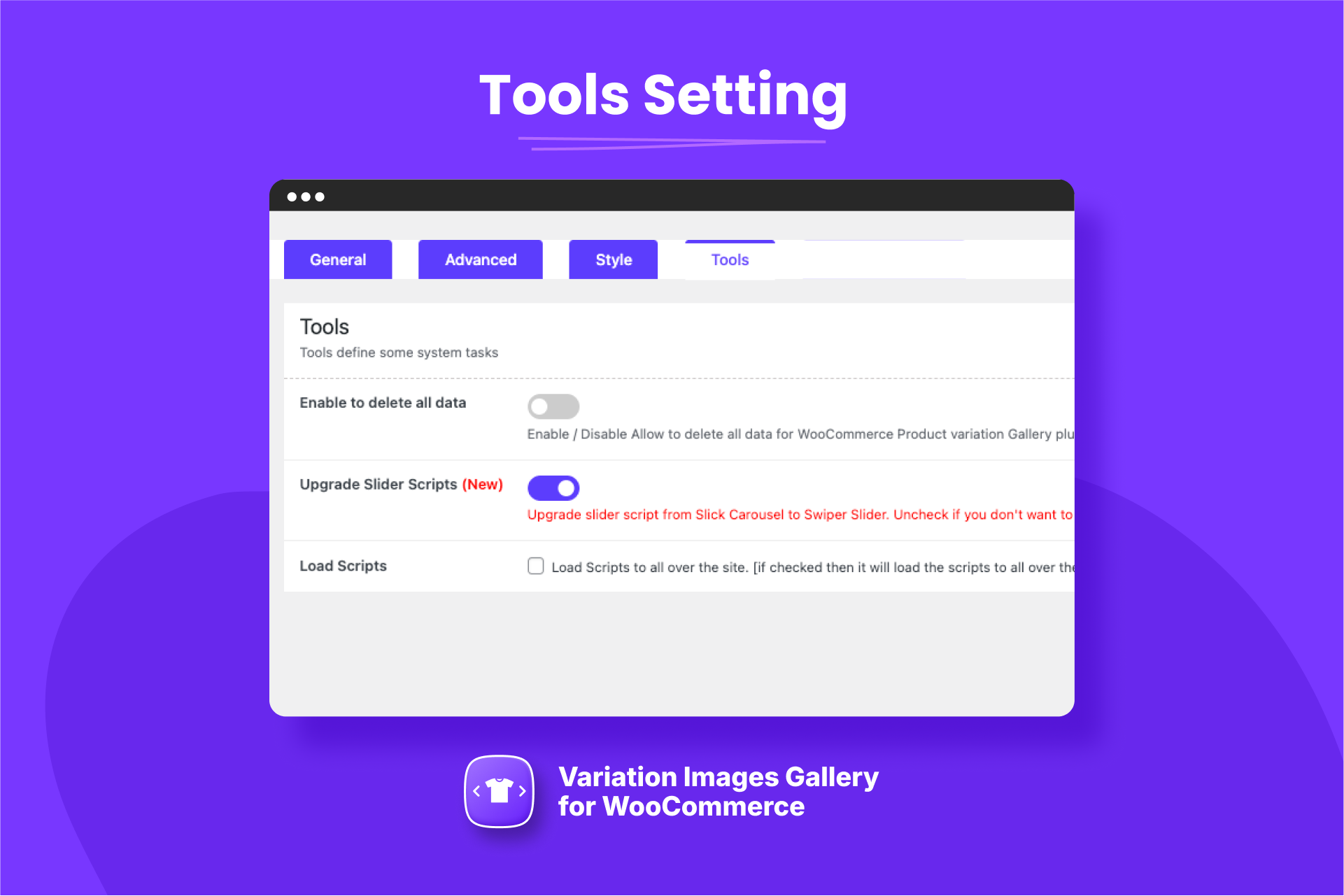
Installation
Using The WordPress Dashboard
- Navigate to the ‘Add New’ in the plugins dashboard
- Search for ‘Variation Images Gallery by RadiusTheme’
- Click ‘Install Now’
- Activate the plugin on the Plugin dashboard
Uploading in WordPress Dashboard
- Navigate to the ‘Add New’ in the plugins dashboard
- Navigate to the ‘Upload’ area
- Select
woo-product-variation-gallery.zipfrom your computer - Click ‘Install Now’
- Activate the plugin in the Plugin dashboard
Using FTP
- Download
woo-product-variation-gallery.zip - Extract the
woo-product-variation-gallerydirectory to your computer - Upload the
woo-product-variation-gallerydirectory to the/wp-content/plugins/directory - Activate the plugin in the Plugin dashboard
Requirements
- WordPress version: >= 5.5
- PHP version: >= 7.4
FAQ
-
Need Any Help?
-
How to Use Variation Images Gallery for WooCommerce
-
- Go to
WooCommerce > settings > Variation Swatches
- Go to
-
Is it compatible with any kinds of WooCommerce Theme?
-
Yes, it is compatible with Most popular WooCommerce themes.
-
Does it show in product QuickView?
-
Yes, it supports any kinds of product quick view.
-
Does it work on MultiSite?
-
Yes, it is.
Reviews


Contributors & Developers
“Variation Images Gallery for WooCommerce” is open source software. The following people have contributed to this plugin.
Contributors

Translate “Variation Images Gallery for WooCommerce” into your language.
Interested in development?
Browse the code, check out the SVN repository, or subscribe to the development log by RSS.
Changelog
2.3.26 (Jun 22, 2026)
Fixed: Gallery flicker on initial page load caused by the forced reload of product variations.
Fixed: Gallery reset and loading overlay now stay suppressed until the shopper actually changes a variation.
Fixed: Prevented double-initialisation of the same gallery instance.